
The average American household burns over $2,000 a year on digital subscriptions. Netflix, Hulu, Spotify, Prime, and half of them sit unwatched while the bills keep coming. Worse: even the stuff you “buy” digitally can be revoked. You own nothing. That is exactly what BTCsessions (Ben Perrin) decided to stop paying for — he turned his Umbrel home server into his own personal Netflix and Spotify. Movies, shows, and music on hardware he owns. His tutorial was almost immediately removed from YouTube, so he re-hosted it on Nostr. Watch his full build video here: BTCsessions Umbrel Media Server tutorial (video). Below is the written companion guide so you can follow along.
The stack: six apps, one prompt
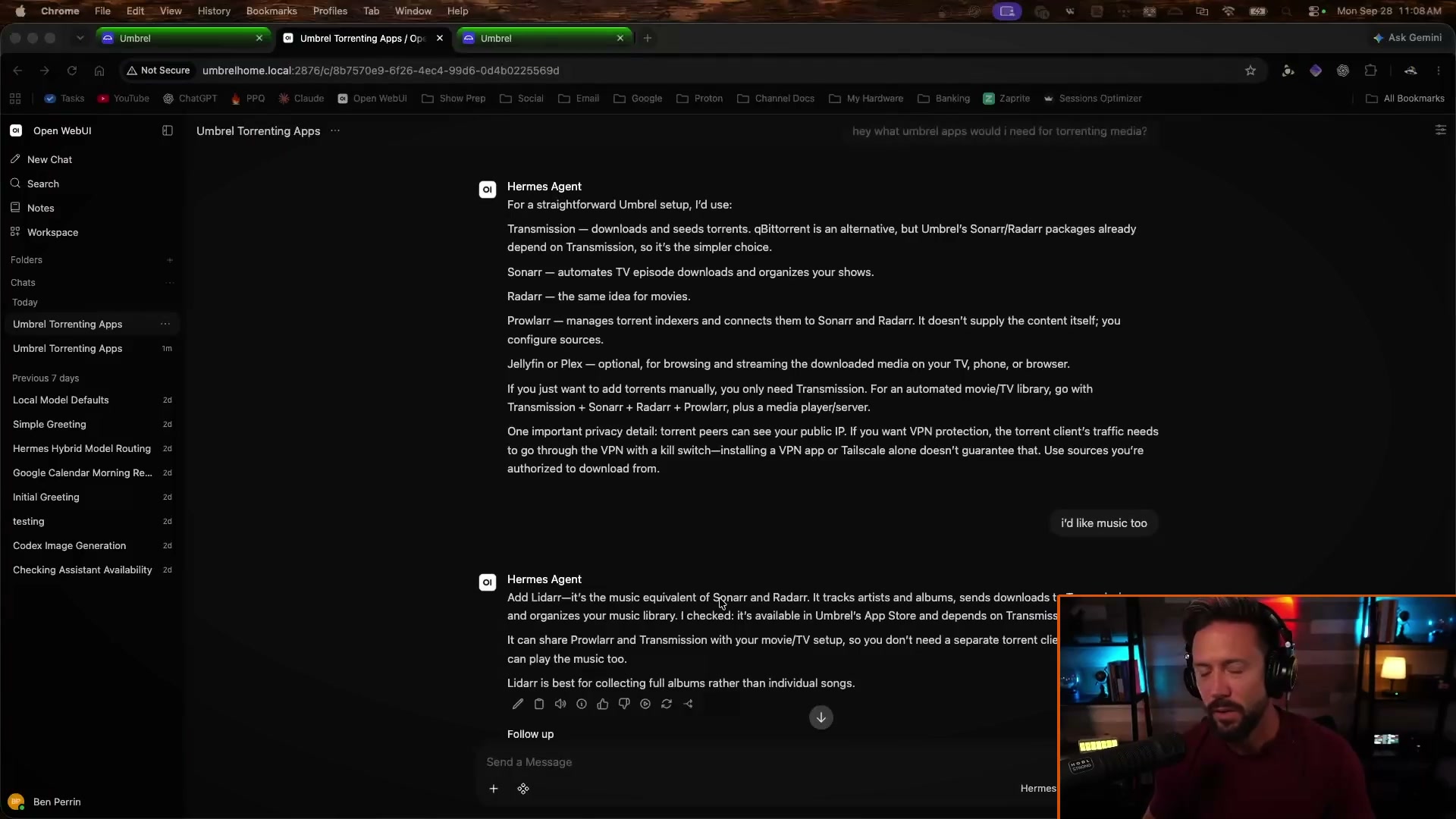
His build runs six Umbrel apps that work as a team. Transmission downloads and seeds torrents. Prowlarr manages the torrent indexers where those files are found. Sonarr hunts TV episodes, Radarr hunts movies, and Lidarr does the same job for full music albums. Jellyfin is the pretty face on top, your personal Netflix app with posters, cast info, and watch history. You can install every one by hand from the Umbrel App Store under Media and Networking. Or you do what he did: open the local AI on your Umbrel and say “download all those apps for me, including Lidarr and Jellyfin.” One prompt, everything installed. That is the moment subscriptions started looking stupid.
Set passwords, add indexers, let the AI help
Each app asks you to set a username and password on first launch, and Prowlarr wants the local IP addresses allowed to reach it. Find your Umbrel’s IP with a network scanner app, paste it in, done. Then comes the part that used to require forum spelunking: indexers. Instead of researching them yourself, he asked his Umbrel AI to find great indexers for movies, music, and TV and add them to Prowlarr. Minutes later they were configured. Grab only media you already own digital copies of or are otherwise authorized to download.
Search once, collect forever
This is the magic. In Radarr you search a movie, pick 1080p, hit add, and it downloads into your library. In Sonarr you add a show and choose what to monitor: first season only, or every future episode automatically. Lidarr watches your favorite artists and grabs new albums the day they drop. Set and forget. Stuck download? Hit X, choose blocklist and search, and it finds a new source for the same file. Your library builds itself while you sleep.
Jellyfin: point it at the right folders
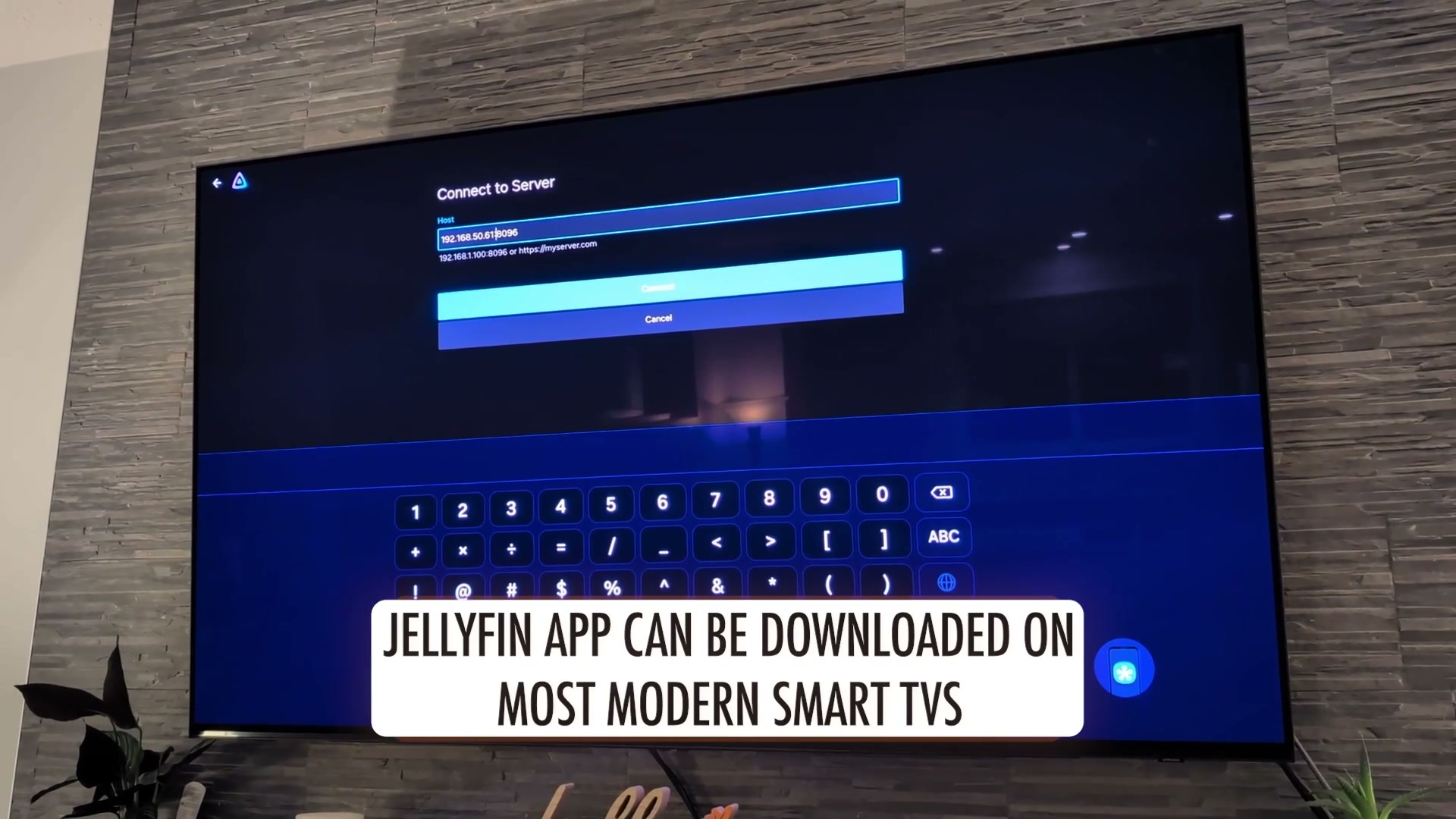
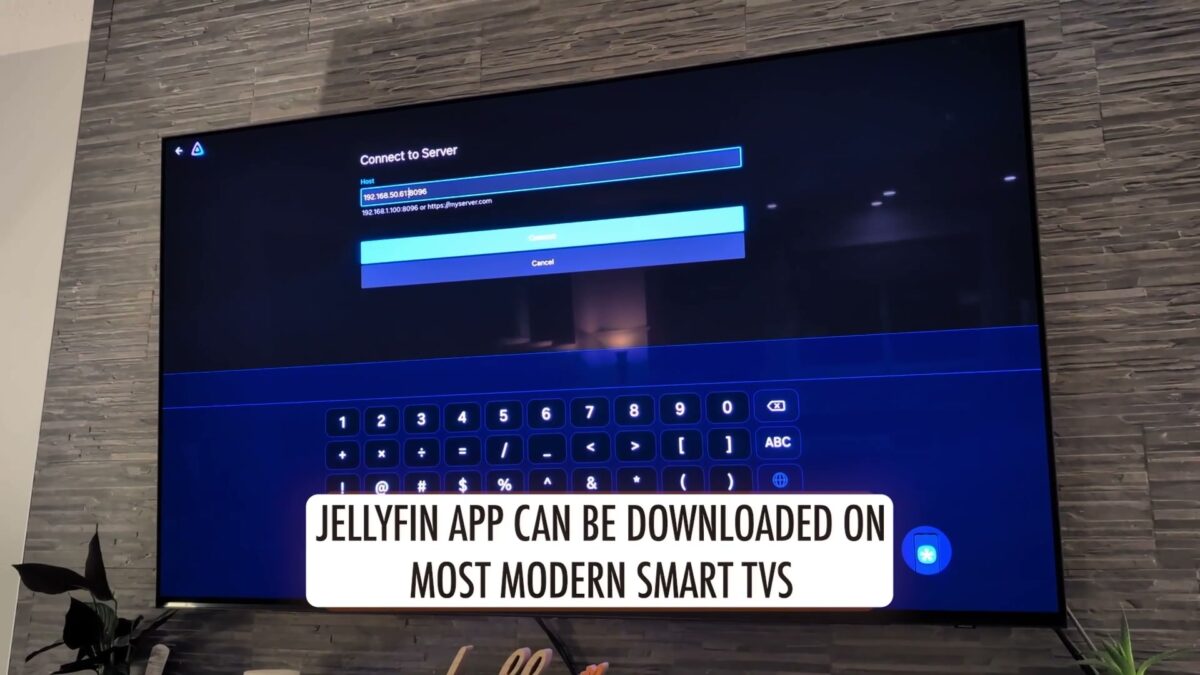
Open Jellyfin from your Umbrel dashboard and run the wizard: name the server, create a user, then add three libraries pointing at your Downloads folders for movies, shows, and music. Important detail from his build: point at the movies, shows, and music folders, not the complete folder, which exists for seeding. Jellyfin pulls posters and metadata automatically. Then grab the Jellyfin app on your smart TV, type in your Umbrel’s IP with :8096 on the end, and your whole library is on the big screen. No monthly fee for the privilege of watching your own files.
Take it anywhere with Tailscale
At home, umbrel.local plus the port is all you need. Away from home, install Tailscale on your Umbrel and your phone, copy your Umbrel’s Tailscale IP into the Jellyfin app with :8096, and you are streaming your living room from anywhere on earth. Heading off-grid? Jellyfin downloads any movie, episode, or album for offline viewing. Planes, dead zones, no problem. That is your Spotify replacement: your music, synced, no algorithm, no ads.
Jellyfin or Plex?
He tested both. Plex is slicker to log into but charges a monthly pass for remote streaming of your own files, and downloads plus multi-user cost more. Jellyfin does all of it free. His advice: push Jellyfin as far as it goes and stay fully self-sovereign. Only pay Plex if you decide the extra polish is worth one subscription instead of five.
Why this matters beyond movies
Every subscription is custody you gave away: your watch history, your music taste, your files, all on someone else’s computer under terms they rewrite at will. Learn how Bitcoin ETFs differ from holding your own keys and you already know the pattern, an IOU is never the thing. See our Umbrel vs Start9 comparison if you are still choosing your home server, and Read our guide to choosing a Bitcoin wallet to take the same ownership mindset to your money.
Get the box, watch the build
Get your Umbrel with code LOVEISBITCOIN for a discount, then follow along with BTCsessions full video tutorial. Forty minutes, one box, zero subscriptions left. This article is for education only and is not financial advice.
Turn Your Umbrel Into Your Own Netflix and Spotify