
Your Smart TV Should Not Be Able to See Your Laptop
Your home network is one flat room. Everything in it can reach everything else, and nobody asked you about it.
The television on your wall can open a connection to your laptop. The thermostat can scan your phone. The cheap camera in the hallway, the one that phones a server in another country, sits on the same network as the machine that holds your keys. Your guest’s phone joins the same wifi as your exchanges’ session.
That is the default on almost every router ever sold, and it has been the default for so long that people think it is how networks work. It is not. It is how cheap firmware works.
One profile per kind of device
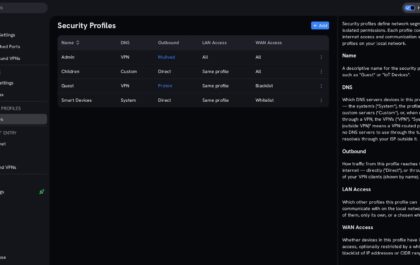
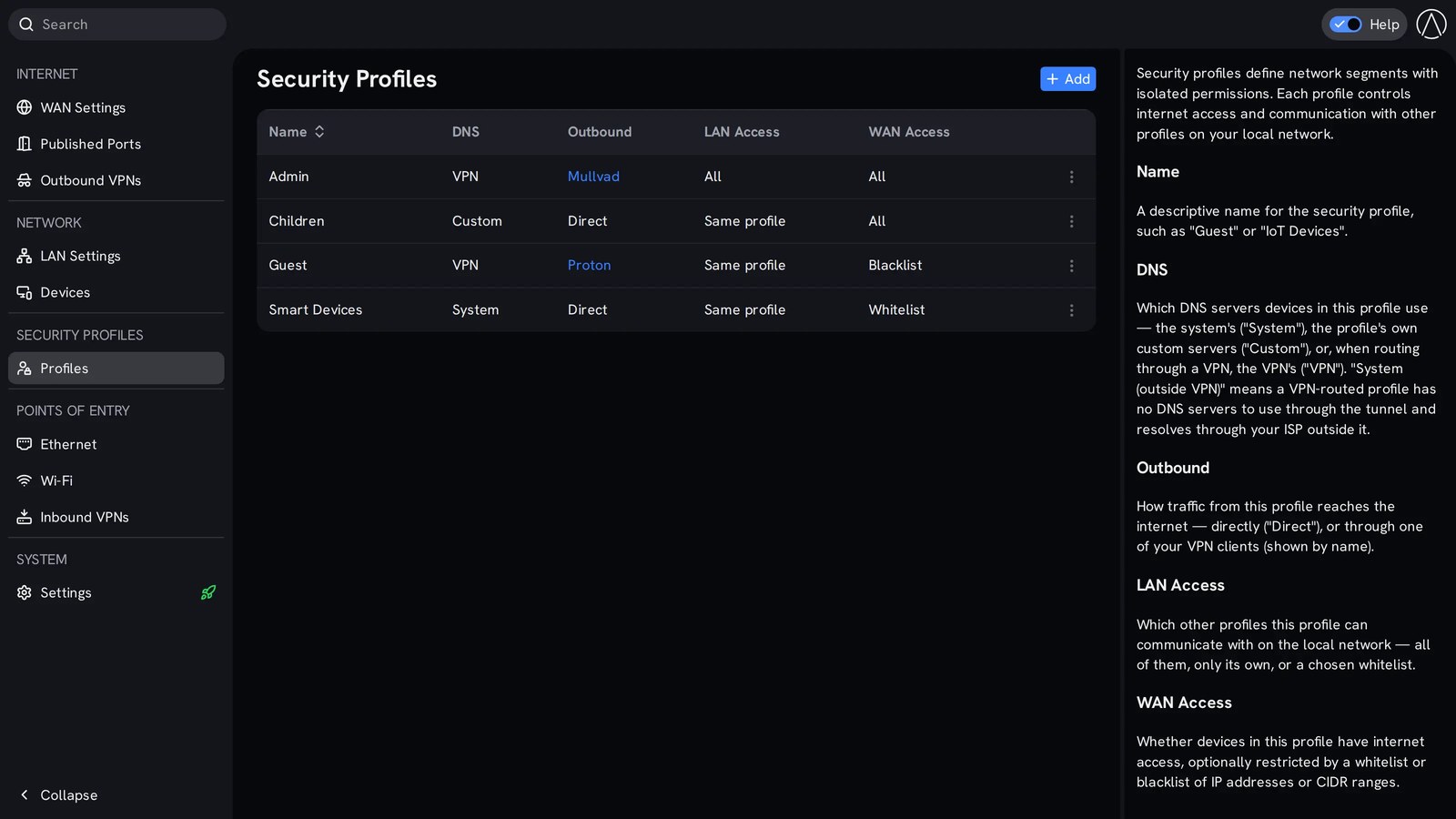
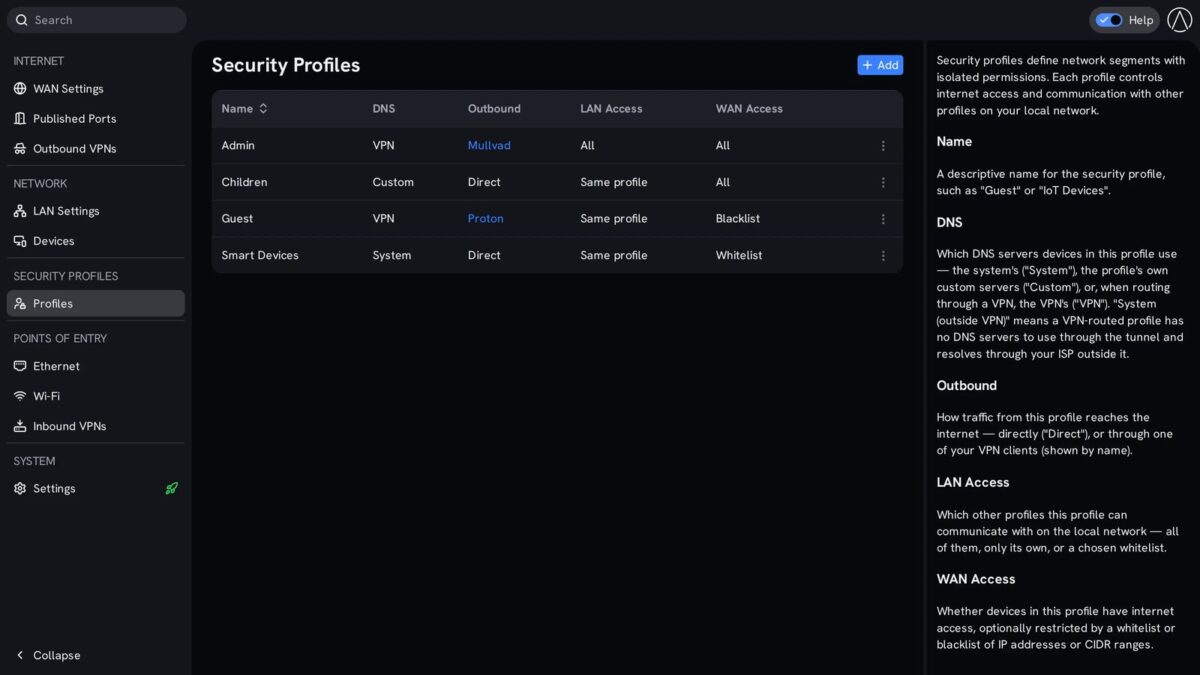
StartWRT, the router system Start9 ships on its RISC-V Router, starts from a different assumption: every device belongs to a profile, and the profile decides what that device can do. It ships with four.
- Admin: your machines, full access, your inbound VPNs
- Children: their tablets and laptops, filtered DNS, internet only in the hours you set
- Guest: visitors, internet only, and optionally through a VPN so your ISP sees nothing of theirs
- Smart Devices: the thermostat, the cameras, the TV, everything that has no business talking to anything but its own cloud endpoint
The separation happens at the network layer. Each profile gets its own VLAN, subnet, DHCP server and firewall zone, created for you the moment you create the profile. The television cannot reach the laptop because it is not on the same network as the laptop. That is a stronger statement than a block rule in a firewall, and it is what you want.
The password decides the profile
Here is the part that solves the real household problem. Everyone can join the same wifi name. The password a device types decides which profile it gets. Hand your laptop the admin password and it lands in Admin. Give the tablet the children password and it lands in Children. The neighbour types the guest password and disappears into a network that can see the internet and nothing else.
You do not run four SSIDs and you do not explain anything to anyone. The ethernet port a device plugs into assigns the profile the same way, and so does the VPN a device arrives through.
Schedules that cut the internet, not the wifi
Two schedules, and the difference matters. Wi-Fi blackout turns the radio off on a weekly schedule, for the nights you want quiet or the weeks the house is empty. Wired devices stay connected the whole time, so your server and your desktop do not drop because the air went quiet.
Profile schedules are separate. The children’s devices lose the internet at nine in the evening while yours keep working at midnight. The smart speaker in the bedroom gets no internet between eleven and six, which is the least a device that listens deserves.
Why a guest network was never enough
The usual advice is to switch on the guest network and put the questionable devices there. It is better than nothing and it is not the same thing. A guest network is one extra lane: it keeps visitors off your machines and it does nothing about the television talking to the tablet, or the camera talking to the laptop, or the two of them talking to each other.
Profiles are not lanes, they are separate networks with their own rules. The smart devices profile can be allowed to reach only the handful of internet addresses the vendor actually needs, and nothing else outside the house. That is a whitelist, and it turns a device that was quietly scanning your network into a device that can reach one address and then stop. The thermostat keeps working. The scan does not.
What it looks like once it is running
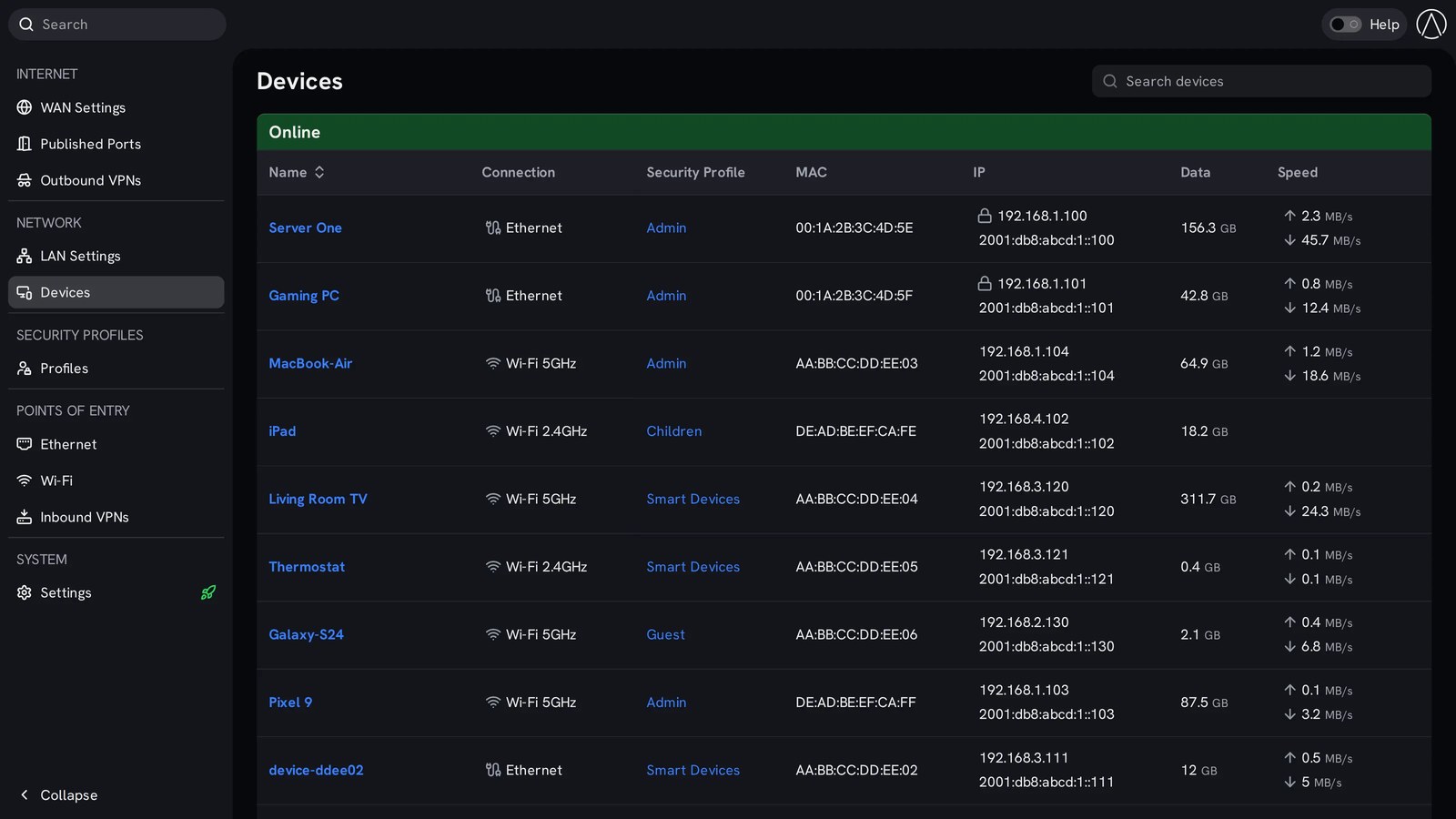
The devices page lists every device in the house with its connection type, its profile, its MAC and its IP, sorted into online and offline. You see the television pulling three hundred gigabytes of streaming, the thermostat pushing one kilobyte an hour, and the unknown device on the guest network that you can move or block without touching anything else.
Published ports live on their own page, with an automatic section showing what each trusted device opened, when it opened it, and how many minutes are left before the permission expires. Nothing is open forever by accident.
Half an hour of work, once
The first evening is the work: you name the profiles, join your devices with the right password, and put the ones you do not trust into Smart Devices. After that the network maintains itself, and the next device that arrives in your house gets a profile instead of a lecture.
Self-hosting gets the attention, but the network is where the trust boundary actually sits. A server in the corner of a flat network is a locked box in a room where everyone has the key.
Get the router with the code
Start9 keeps a discount for readers of this site. Use the code below at checkout.
Coupon code: LOVEISBITCOIN
https://loveisbitcoin.com/start9
That link takes you to the Start9 page for readers here: the RISC-V Router, the Server One, StartOS, and the coupon applied.
Your Smart TV Should Not Be Able to See Your Laptop